Sylvania and Concord logos displayed side by side on a light background, with Sylvania in green and Concord in black bold text.

SylSmart Standalone Installation

Maximum Control, minimum Installation

Installation Made Easy

Installing SylSmart Standalone is a straightforward process, as simple as 1, 2, 3. It delivers plug-and-play solutions, eliminating the need for extra control wires or complicated setups, thus reducing on-site time and ensuring minimal disruption to employees.​

Plug and Play

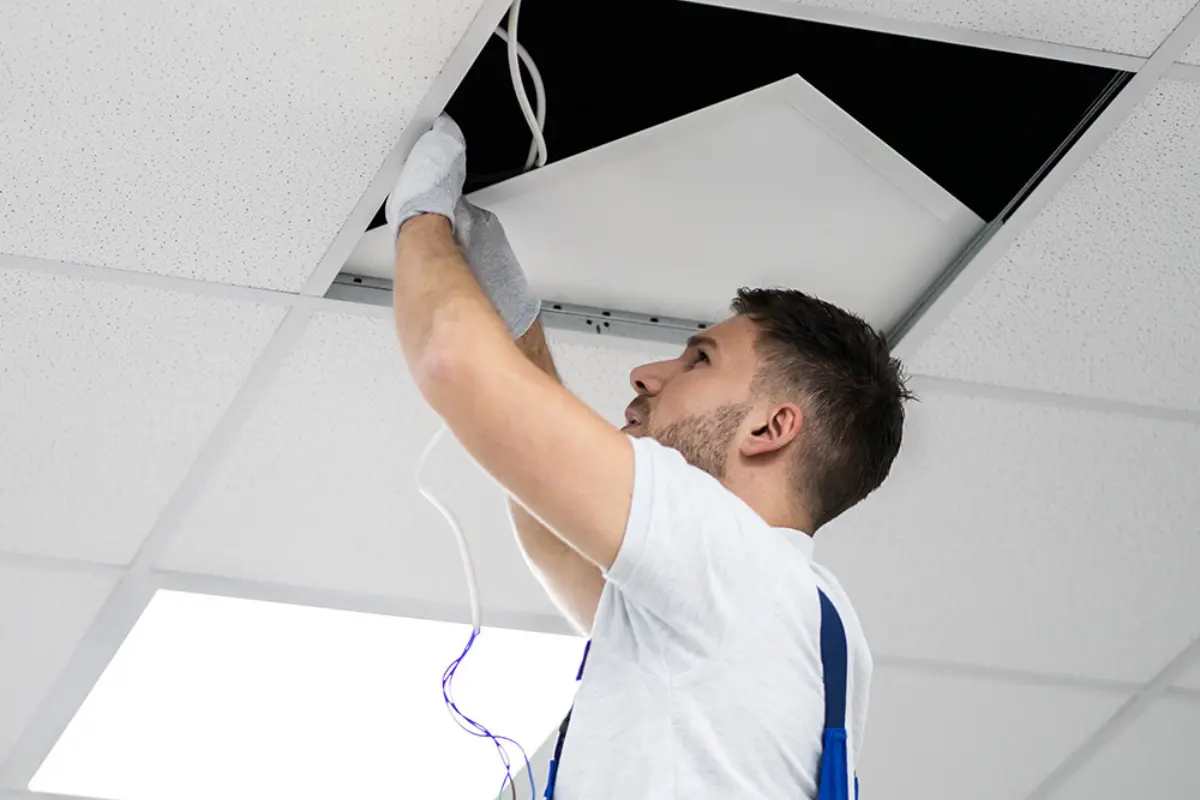
Remove old fixtures and install new Standalone enabled wireless luminaires. Connecting Live, Earth and Neutral.​​

Accessories

Install sensors, wireless wall switches and other accessory devices​.

Configure

Utilise the intuitive application available on both android and IOS to configure your system.​

Add luminaires and tailor your solution​

Basic Settings 

R
Network Setup​
R
Pairing
R

Scene & Timer Settings

electrician installing ceiling light
Businessman works with financial data. Futuristic 3d interface above laptop computer. Interactive financial diagrams and digital data visualization concept. Global e-business network communication

Advanced Settings

R

Daylight Linked Dimming​

R
Circadian Profile​
R
Presence Sensor​
R
Wall Switch Setup

Commissioning Video Guides​

Basic

White image gallery icon featuring overlapping photo frames with a landscape and sun symbol inside a green circular background.

Personalise your scene-setting by adding your own photo​

White fast-forward arrow icon featuring two right-pointing chevrons inside a green circular background, representing progression, advancement, navigation, and forward movement.

Create animations
animations

White focus and targeting icon featuring a central circle surrounded by four corner alignment brackets inside a green circular background.

Set lighting
scenes​

White timer and scheduling icon featuring a clock face with a single hand enclosed within a green circular background, representing time management, automation, and scheduled operations.

Create time-based
scenes​

White window icon featuring a double-pane window frame inside a green circular background, representing residential glazing, windows, and building openings.

Setup
the wall switch

White stopwatch icon featuring a circular timer face and top button enclosed within a green circular background, representing timing, duration tracking, and scheduled processes.

Add timers
add

White motion detection icon featuring a person silhouette, wave signals, and a wall-mounted sensor inside a green circular background.

Setup
the presence sensor

Advanced

White organizational hierarchy icon featuring a top-level node connected to three lower nodes inside a green circular background, representing structured systems, network architecture, and management hierarchies.

Setup the control
hierarchy

White smart lighting control icon featuring a power button surrounded by radiating light rays inside a green circular background, representing illumination control, energy management, and lighting activation.

Daylight linked
dimming settings

White day-night lighting control icon featuring a crescent moon surrounded by radiating rays inside a green circular background, representing automatic lighting schedules, daylight harvesting, and smart illumination management.

Setup circadian
profiles

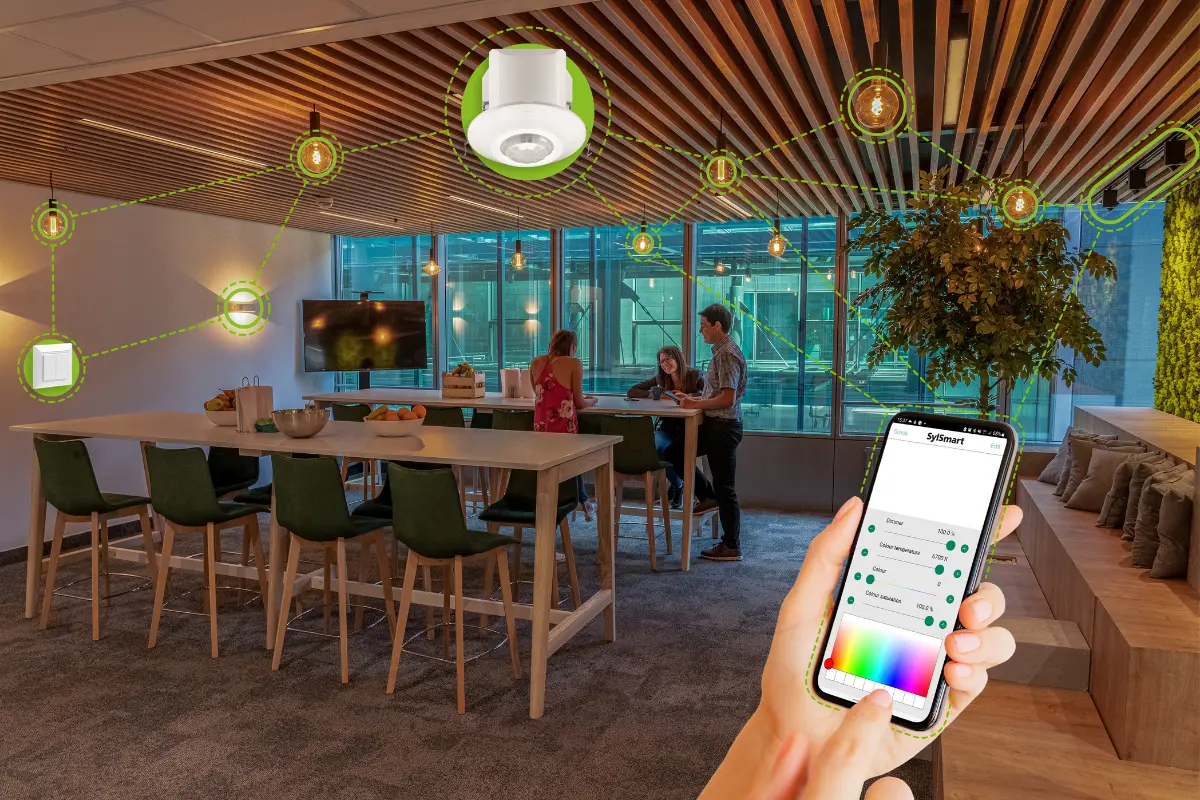
Your Smart System is now ready to use

The basic setup of your system is now complete. Turn on/off, dim or colour temperature adjustment now works with a simple touch of a button.​

Modern office lounge area with smart lighting system controlled via smartphone, showing connected ceiling lights and devices linked through a digital interface.

We’re here to help!

Whether you have a question, feedback, or need assistance, please feel free to get in touch.

We’re here to help!

Whether you have a question, feedback, or need assistance, please feel free to get in touch.